


How to measure AI skills in your workforce, role by role
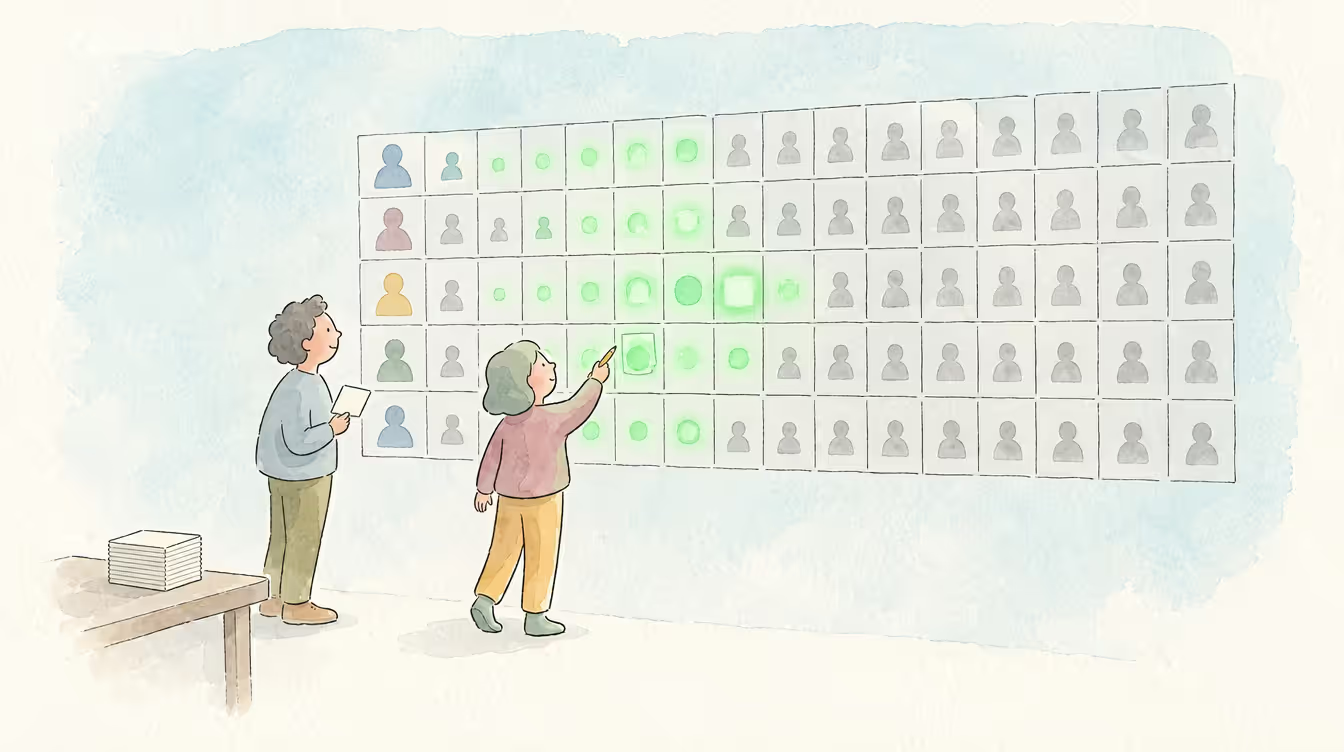
When the board asks how ready your people are for AI, the number most HR and L&D leaders can bring is a licence count: seats bought, seats activated or logins per week. That number answers a question about access. It shows who has an AI tool, and it cannot tell you whether someone reads what an assistant wrote before it goes to a customer, whether they know which data must never be pasted into a prompt, or whether they use AI for real work or only to rewrite emails.
Most organisations have nothing better to set beside it. Gartner's 2024 research found that only 8% of organisations have reliable data on the skills their workforce has. Employees feel the gap too: in BCG's 2026 survey, 72% said AI has changed expectations for the skills they need, while only 36% felt they had received adequate upskilling. So leaders are being asked for skills evidence because of AI, often with no way to produce it.
Measuring AI skills role by role gives you that evidence, and it comes down to four steps. Agree which AI skills each group of roles needs, from using an assistant for everyday work to building AI into a product. Have people rate themselves, have their managers check the ratings, and add proof such as certificates where a wrong rating would be costly. Start with the handful of roles your approved AI plans depend on. Then report three things each quarter: how many people meet the level their role needs, how many ratings managers have confirmed, and which gaps have closed. If you already keep a skills matrix, these are the AI rows to add to it.
Start with what each role family needs
You cannot measure AI skills until you have agreed what good looks like, and that differs by role. A sales manager drafting a proposal and a platform engineer wiring a model into a product use AI for different work and carry different risks, so one company-wide list tends to be too vague for the first and too shallow for the second. That is why the MuchSkills framework groups AI skills by role family, with a description of what working level and expert level look like for every skill.
That framework is MuchSkills' own point of view, and no standards body has certified it. Change it wherever your business differs, because a shared starting point is quicker to adapt than a blank page. It has six families. The first applies to every employee, and the other five add skills for people whose work uses AI in more specialised or riskier ways: sales and customer teams, delivery and consulting, engineering and data, HR and L&D, and leaders. Each family's skills and level descriptions are in the full AI skills framework, which you can copy into your own role profiles.
The family for every employee shows how the skills fit together. It has three: using AI assistants for everyday work, checking AI output, and data and privacy judgement. Each depends on the others. Someone who drafts quickly but never checks the result creates rework, and someone who checks carefully but pastes customer data into a public tool creates a more serious problem.
Checking AI output also shows what the two levels mean in practice. At working level, a sales manager reads an AI-drafted proposal against the customer's brief before sending it, and removes any figure or claim they cannot trace to a source. At expert level, that person also knows where the assistant tends to go wrong in proposals, writes the checks the team follows before anything goes out, and is the one colleagues ask when an answer looks plausible but they are unsure.
To rate people against those levels, every skill uses the scale MuchSkills uses for all skills, from 1 to 9, which measures practical, daily-use competence, with beginner, intermediate and expert as bands on it. Because the scale rates what someone does in their daily work, a course certificate alone should not move a rating.
Knowing what the levels mean also tells you how high to aim. In our view most people need only working level in most skills. Expert level is for the people others go to when something is unclear, and a framework that asks everyone to be an expert produces a gap report that is red everywhere and useful nowhere.
Measure in three layers: self-rating, manager validation and evidence
With the skills agreed, the measuring can start, and it works best in three layers: people rate themselves, their managers check the ratings, and proof backs up the ratings that matter most. Each layer covers a weakness in the one before. Self-assessment comes first, with each person rating themselves against the skills for their role family. It is fast and it involves people, but some will over-rate and some will under-rate themselves, so on its own a self-rating is only a claim.
Manager validation is the second layer. The manager compares the rating with what they see in the work, and the record changes from claimed to validated in MuchSkills. That one status lets you report two numbers, what people say they can do and what has been confirmed, instead of blending them into a figure nobody can interpret.
Evidence is the third layer. Certificates can be added with the proof file and the credential URL, and courses from your LMS can be linked to the skills they build. Evidence matters most where a wrong rating costs something, such as data and privacy judgement for someone who handles customer information every day. It also helps if you need to show how you support AI literacy among staff, which Article 4 of the EU AI Act asks of employers.
Each of those steps is recorded. MuchSkills logs changes to skills with who made them and when, and for certifications it also records the value before and after, so nothing is overwritten. If a board member asks in six months how engineering moved on checking AI output, you can show who rated it, who validated it and when.
That record is one reason we prefer self-ratings checked by managers to what some guides on measuring AI skills recommend: scenario tests, or tracking how often people use AI tools and what they type into them. A test shows how someone did on one test on one day, and usage data shows how often a tool is opened, which says little about whether anyone checks what it produced. Tracking prompts also tends to feel like surveillance to the people being measured, and that is the quickest way to lose honest self-ratings. MuchSkills uses neither: nothing is gathered in the background, and every rating comes from the person, their manager or an import your organisation chose to run.
You can try all three layers before buying anything: list your roles, the skills each one needs and each person's rating in a spreadsheet, using the skill gap analysis tool template. Even a rough version shows which questions you need answered first, such as which roles to start with and who should validate.
Pick the few roles that carry your AI plans
Those questions matter because assessing everyone against everything in the first quarter produces a lot of data and few decisions. A better start is your AI plans: the use cases you have approved, the projects on the roadmap and the tenders where you have promised AI-assisted delivery. For each one, ask which roles carry it. A plan to use assistants in proposal writing sits mostly with sales and customer teams and with whoever approves the output, while a plan to build an AI feature sits with engineering and its leaders. If AI already shapes your workforce plan, AI workforce planning explains why the skills data underneath it matters more than the tool.
That usually leaves a handful of roles. For each one, set the skills the role needs and a required level per skill, using beginner, intermediate or expert. MuchSkills then shows live who meets the role and who does not, so the gap is measured against a target you chose and not against an abstract ideal.
Those targets can differ for the same skill in different roles. Checking AI output may need expert level for a delivery lead who signs off client work, and working level for a colleague who uses an assistant for meeting notes. The skills every employee needs are the exception, because one unchecked figure or one paste of customer data into the wrong tool can hurt the whole organisation, so we would set working level for all of them.
Report three numbers each quarter, by role family
Once targets are set, the quarterly report needs only three numbers. The first is coverage, the share of people in each family who meet the required level for their role. The second is movement from claimed to validated, which shows whether managers are checking ratings or letting them stand. The third is gaps closed, meaning skills where people reached the required level through development goals and training.
Keep the report to one page with one line per role family, and say what you will do next quarter about the weakest one. A rise in coverage with no rise in validated ratings deserves a flag, because it may mean people are rating themselves higher without becoming more capable.
That one page does not need a new tool. Skills data can go to Power BI or any other tool through the MuchSkills API, which is included on every plan, so the AI skills line sits in the dashboard leadership already reads. Courses from your LMS can be linked to the skills they build as well, so each gap arrives with a route to close it.
Key takeaways
Report validated ratings and evidence beside licence counts, because seats show access only.
Pick the roles that carry your approved AI plans, and set a required level per skill so gaps show against a target.
Each quarter, report how many people meet their role's level, how many ratings managers have confirmed and which gaps closed, one line per role family.
Frequently asked questions



Which roles should we assess for AI skills first?
Start with the roles that carry your approved AI plans: the use cases, roadmap projects and tenders that depend on AI. That usually leaves a handful of roles. Set a required level for each skill in those roles, assess them first, and widen the scope once the first quarterly report has changed a decision.
Should we test AI skills instead of using self-assessment?
A test shows how someone performed on one test on one day, while a self-rating validated by a manager and backed by evidence reflects the work they do every week. Self-ratings on their own can be inflated or too modest, which is why manager validation and evidence such as certificates sit on top of them. Report claimed and validated ratings separately, so you can see how much of the picture has been confirmed.
What should an AI skills report to leadership include?
Three numbers per role family each quarter: coverage (the share of people who meet the required level), the share of ratings managers have confirmed, and gaps closed through development goals and training. Keep it to one page and name one action for the weakest family. Flag any rise in coverage that comes without a rise in validated ratings.
How often should we reassess AI skills?
Every quarter works for most organisations, because AI tools and the work people use them for change quickly. Between reports, people update their own ratings and managers validate changes as they see them in the work, so the quarterly report reads the current state.
Is tracking AI skills a form of employee surveillance?
Not in MuchSkills. Nothing reads messages, email, screens, keystrokes or calendars, and every rating comes from the person, their manager or an import your organisation chose to run, with changes logged by who made them and when. People rate themselves on a 1 to 9 scale and managers add their validation alongside.
Whatever you measure, start small: the most useful AI skills data is a few roles, a few skills, a target level and an honest view of who meets it. Widen it only when the first quarter's report has changed a decision, because data that changes nothing is not worth collecting. If you want to see that report built on your own roles, book a demo and bring one role with you. For the wider case, read The AI skills gap.

Ready to see what your teams can do?
MuchSkills turns the skills scattered across CVs, spreadsheets and heads into one living map — so staffing, planning and development decisions start from evidence, not guesswork.