


How-to guides
Short guides and video walkthroughs for the things people do most in MuchSkills.
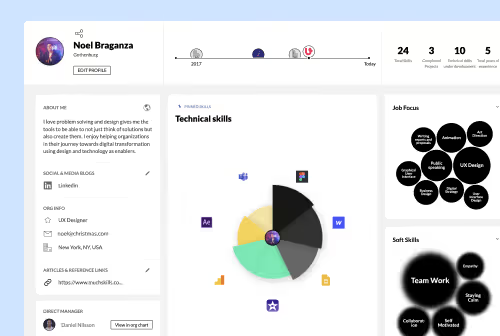 VideoSet up your profileAdd your photo, About me, job experience, education and projects to your MuchSkills profile, follow the dashboard steps and choose public or private.
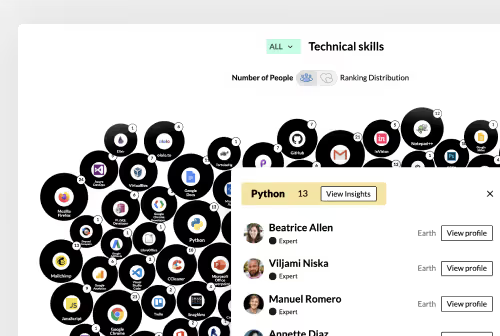 VideoSearch for skills and certificatesUse the search bar at the top of MuchSkills to find a skill, certificate, colleague, skill list or team, and see who has a skill and at which level.
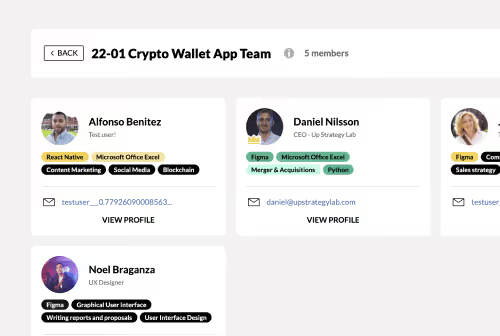 VideoBuild a project team in Team BuilderBuild a project team in MuchSkills Team Builder: set the skills and levels you need, pick people by match and utilisation, keep it as a draft, then launch.
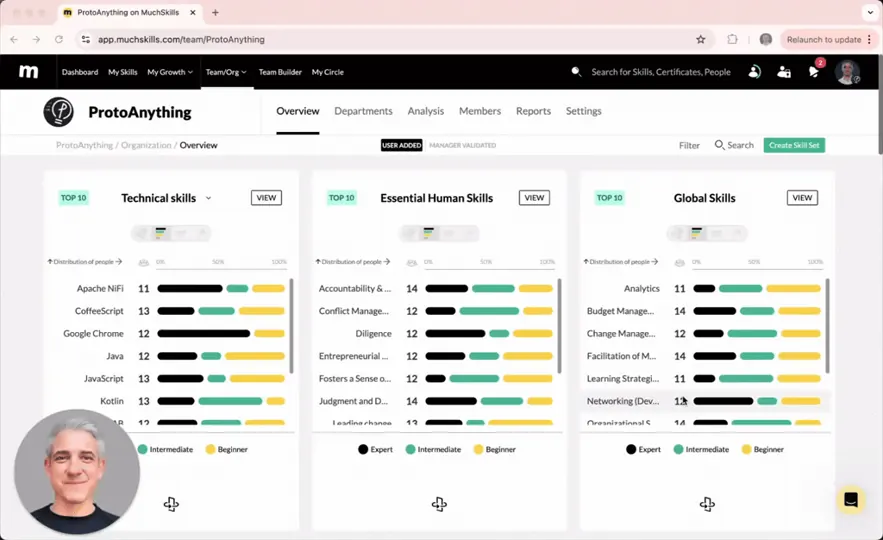
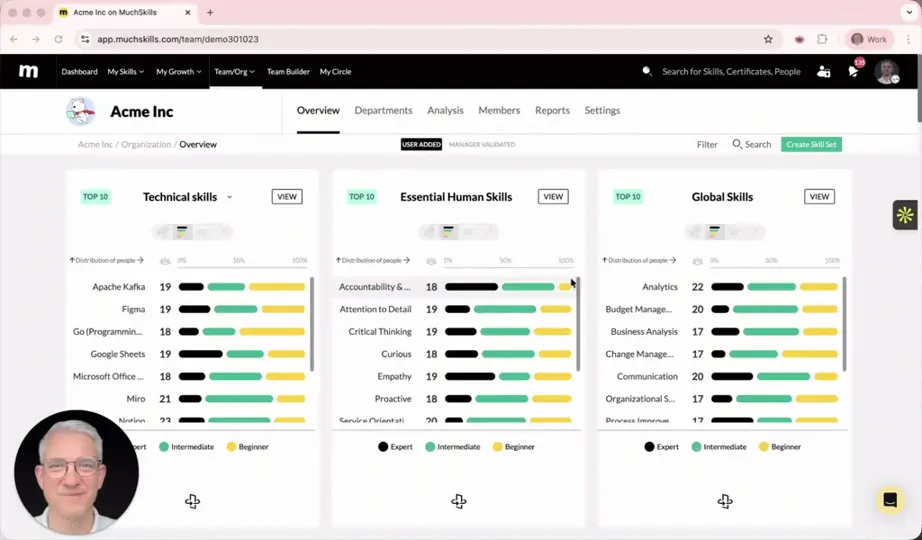
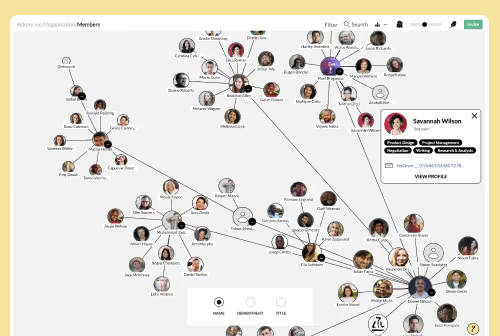 VideoExplore your organisationGet to know your organisation in MuchSkills: browse every skill in Team/Org › Overview, see departments, and follow reporting lines in the org chart.
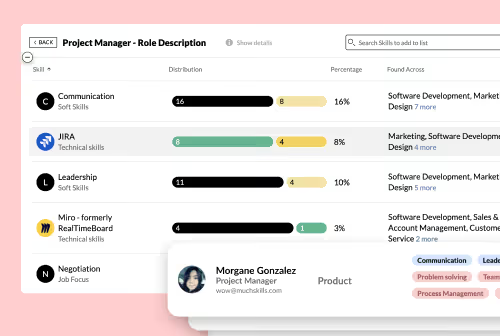 VideoRun a skill gap analysisRun a skill gap analysis in MuchSkills: build a skill list in Analysis, set required levels, see gaps by person and team, and share personal gaps with everyone.
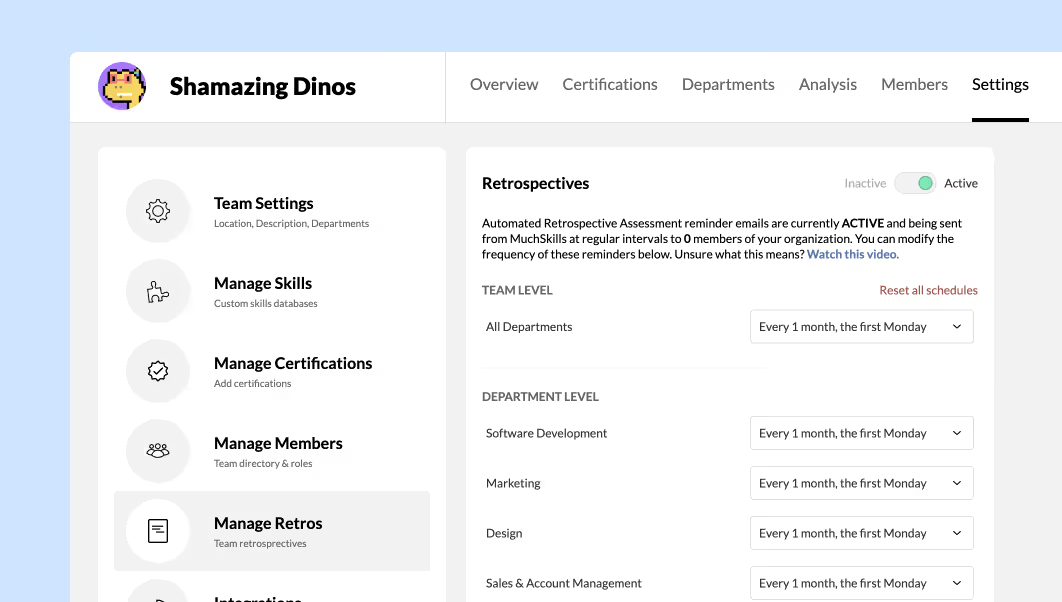 VideoRun a skills retrospectiveSkills retrospectives ask your team at set intervals whether they used their skills and whether their level changed. How to run them and follow up.
 VideoUtilisation reportsRead utilisation in MuchSkills by person and by project: who is busy, who has room in the next three months, and how much time goes to each project.
- Sign in to MuchSkillsJoin MuchSkills from your invitation, log in with a password, Google or single sign-on, turn on two-factor authentication and reset your password.
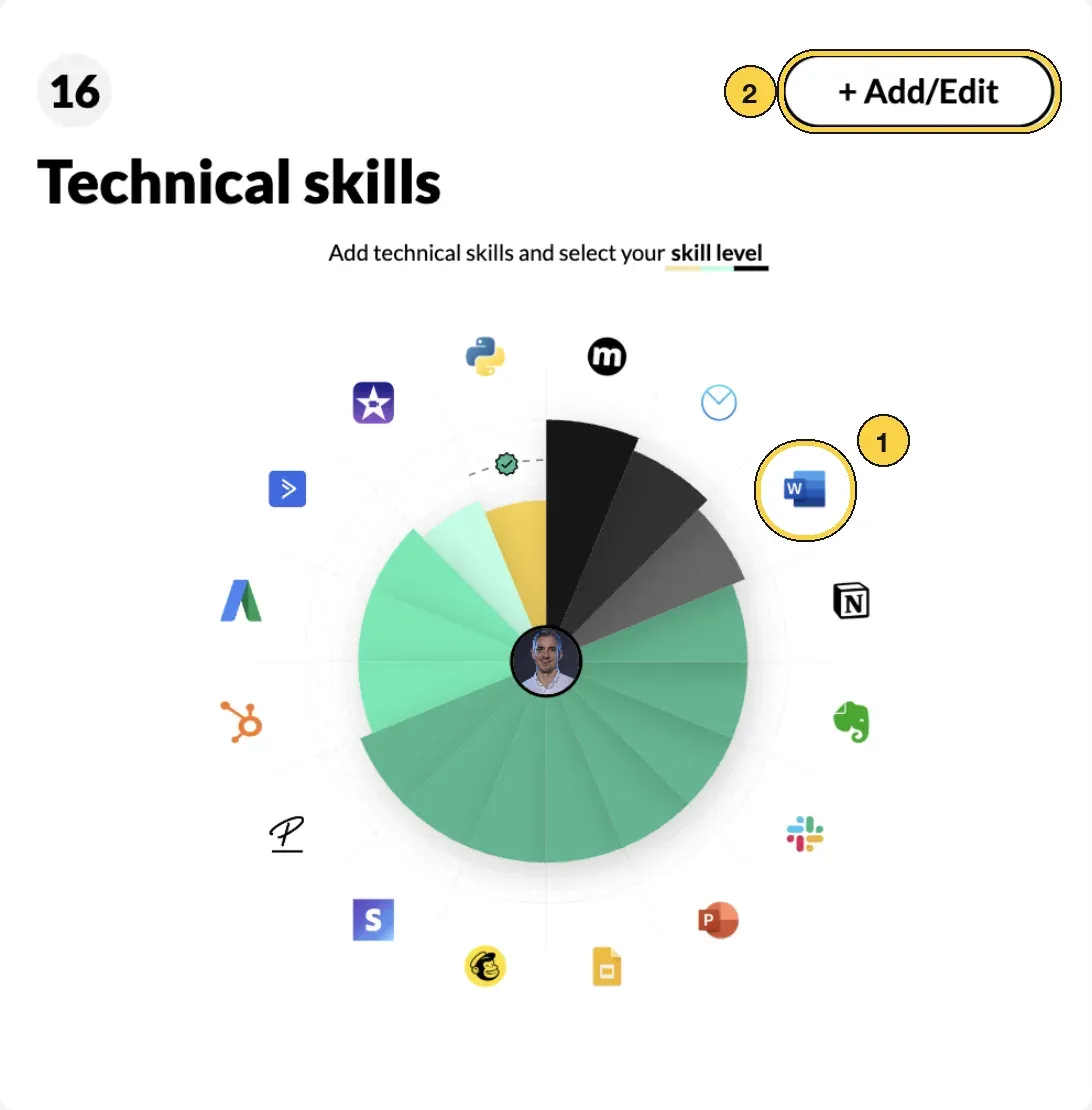 Rate your skillsHow the nine-step skill scale works, the five standard scales (functional, human skills, experience, industry, language) and how to set your level.
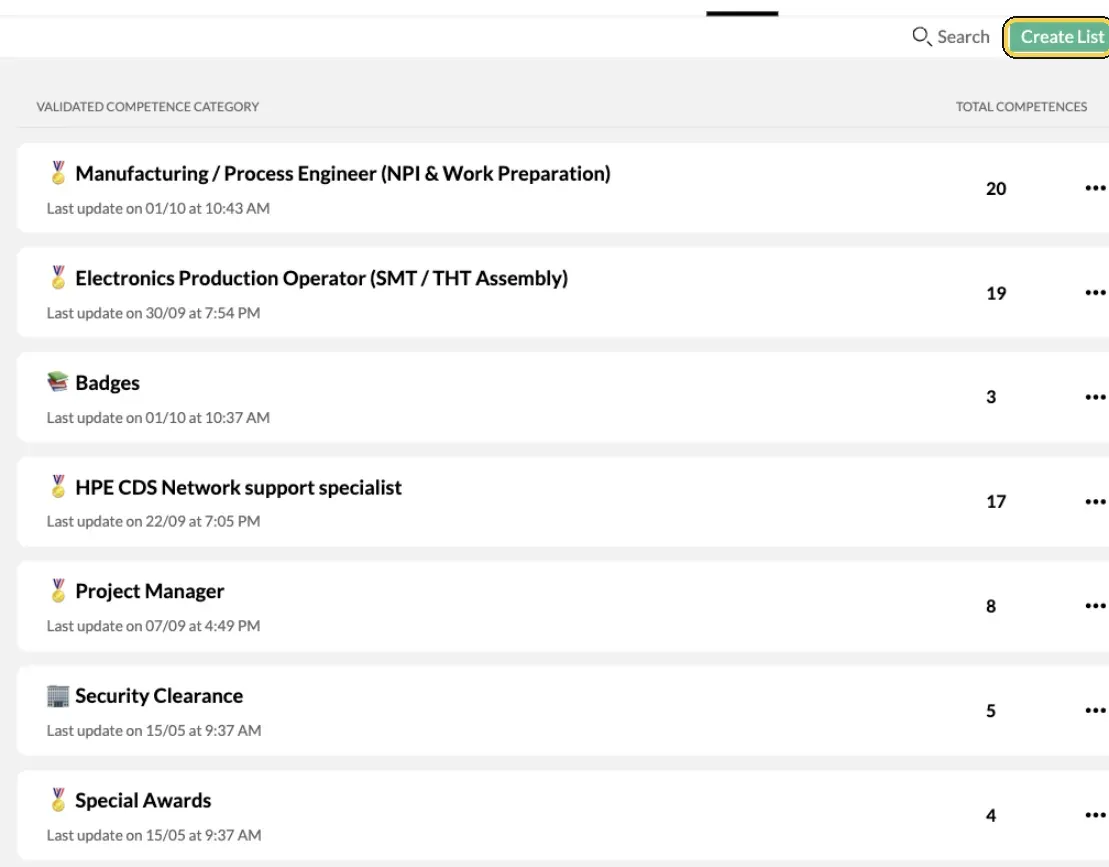 Set up validated competencesCreate lists of validated competences and custom badges in Manage Validated Competences, issue them to people, and see what employees see in My Skills.
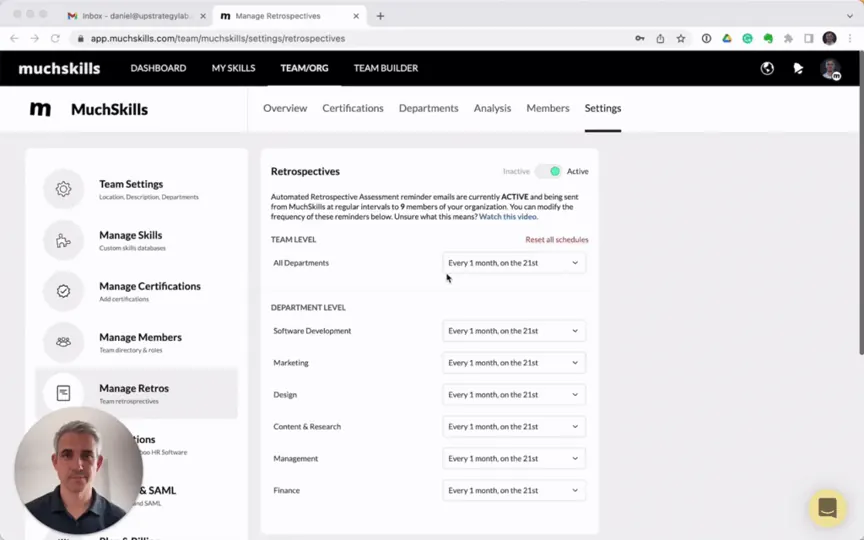 VideoSet up retrospectives for your organisationSchedule recurring skill retrospectives in Manage Retros: choose how often, who receives them, switch them on and send a reminder now.
 Manage departmentsCreate departments in Team Settings or sync them from your HR system, put people in them, rename or remove them, and compare skills by department.
 VideoFind your skill gapsOpen My Growth › Gap Analysis to see how your skills match each role and competence list in your organisation, then close gaps and set goals.
- Course reports from connected learning platformsSee which courses people study on Skillsoft Percipio or Udemy Business, who is enrolled and who has completed each course, in MuchSkills Reports.
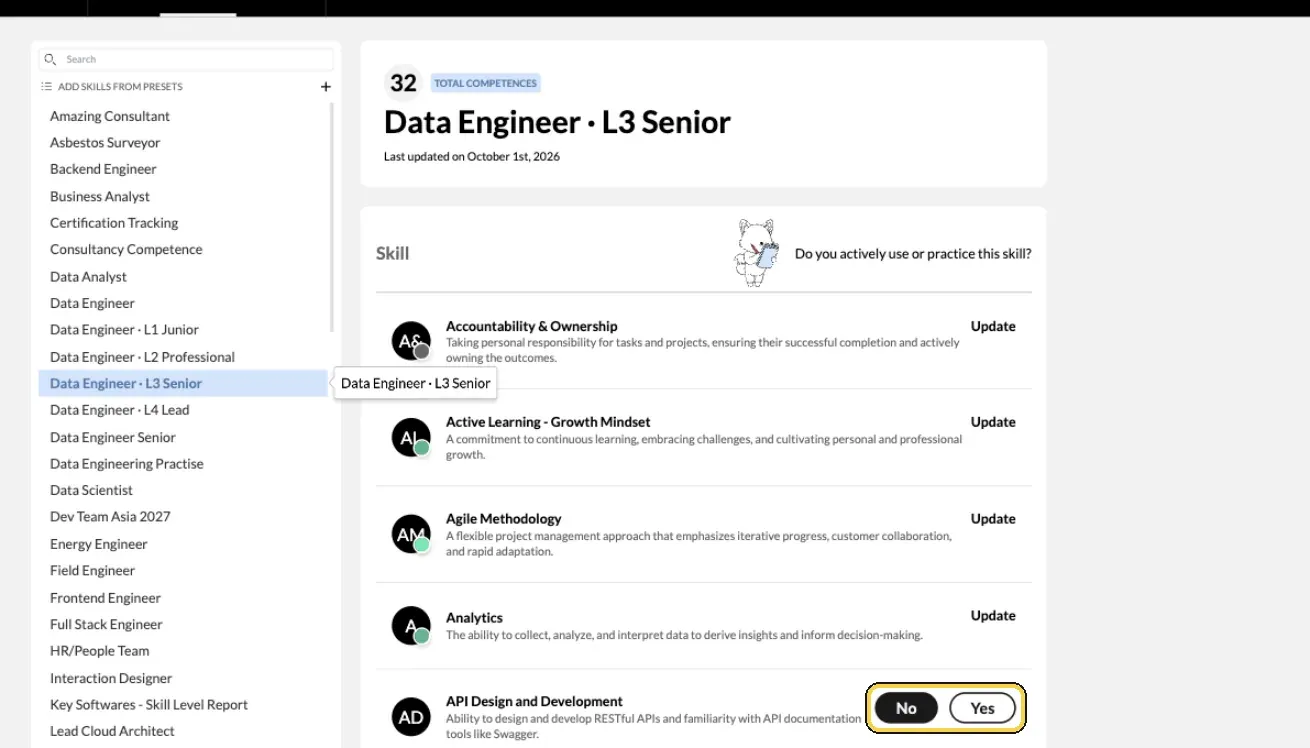 Add skills from presetsUse Add Skills from Presets to go through the skill lists your organisation prepared, answer Yes or No for each skill and set your level as you go.
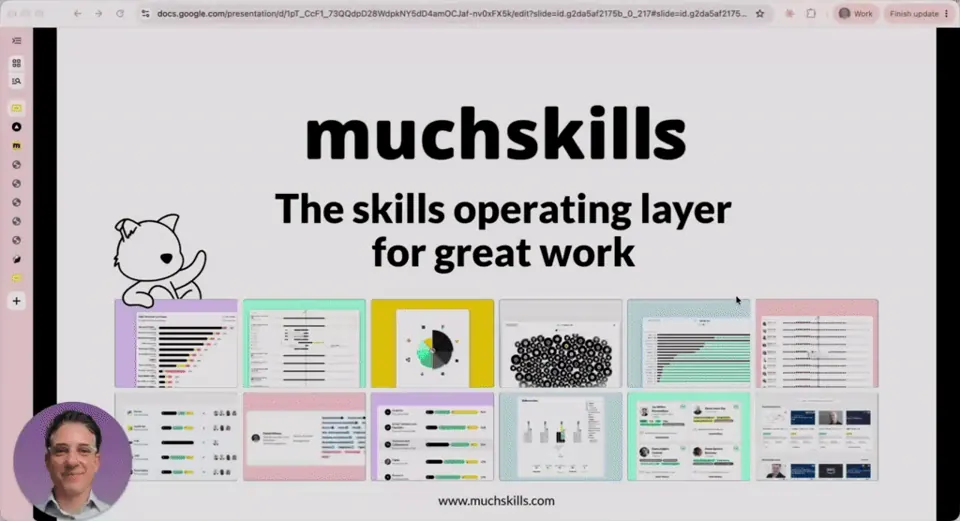 VideoAdd your certificationsAdd a certificate in My Skills › My Certifications: find it by name or code, add the licence number, dates and proof, and get reminders before it expires.
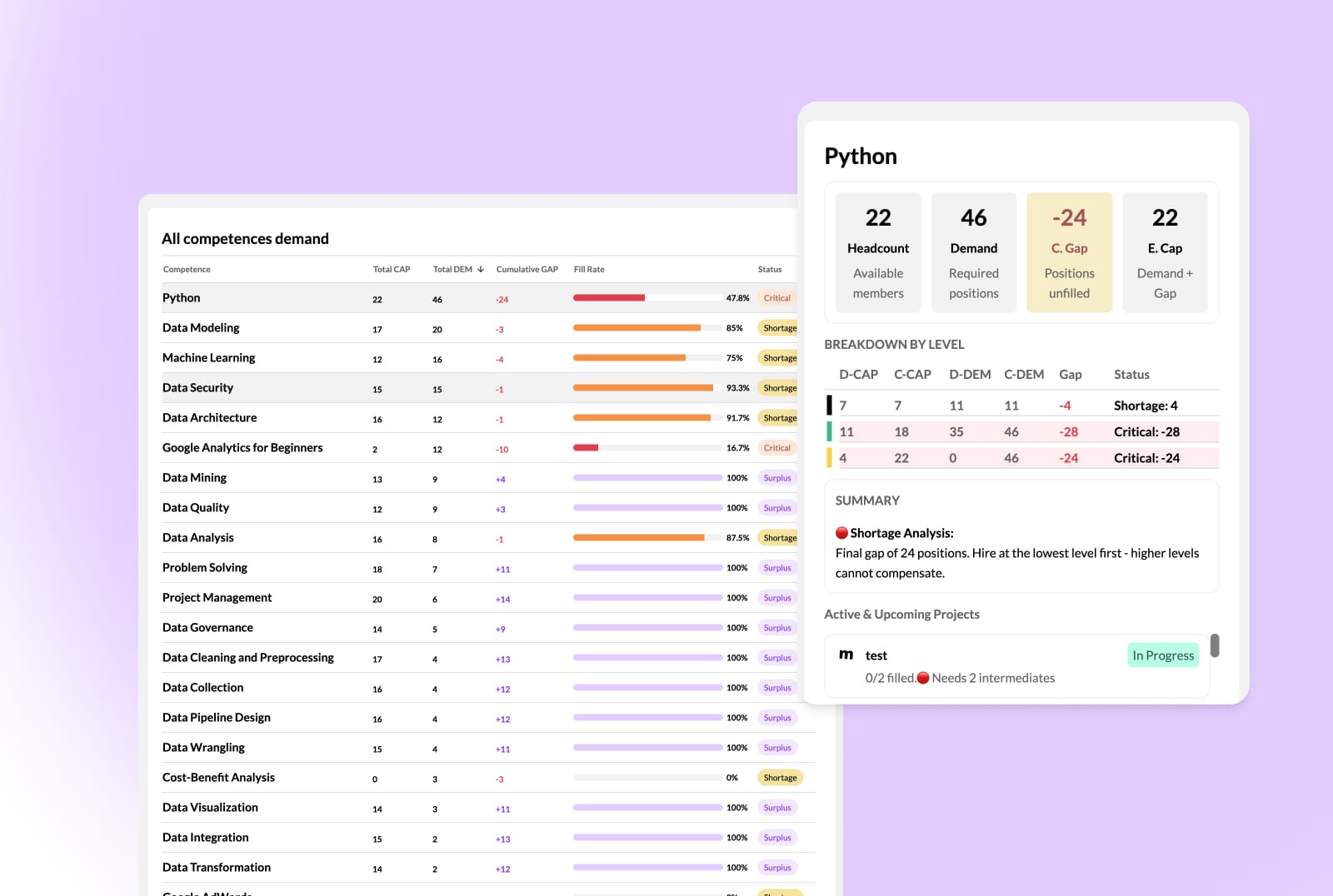 VideoFind skill shortages with the Demand reportUse the MuchSkills Demand report to see which skills your projects need, where you are short or have a surplus at each level, and whether to hire or upskill.
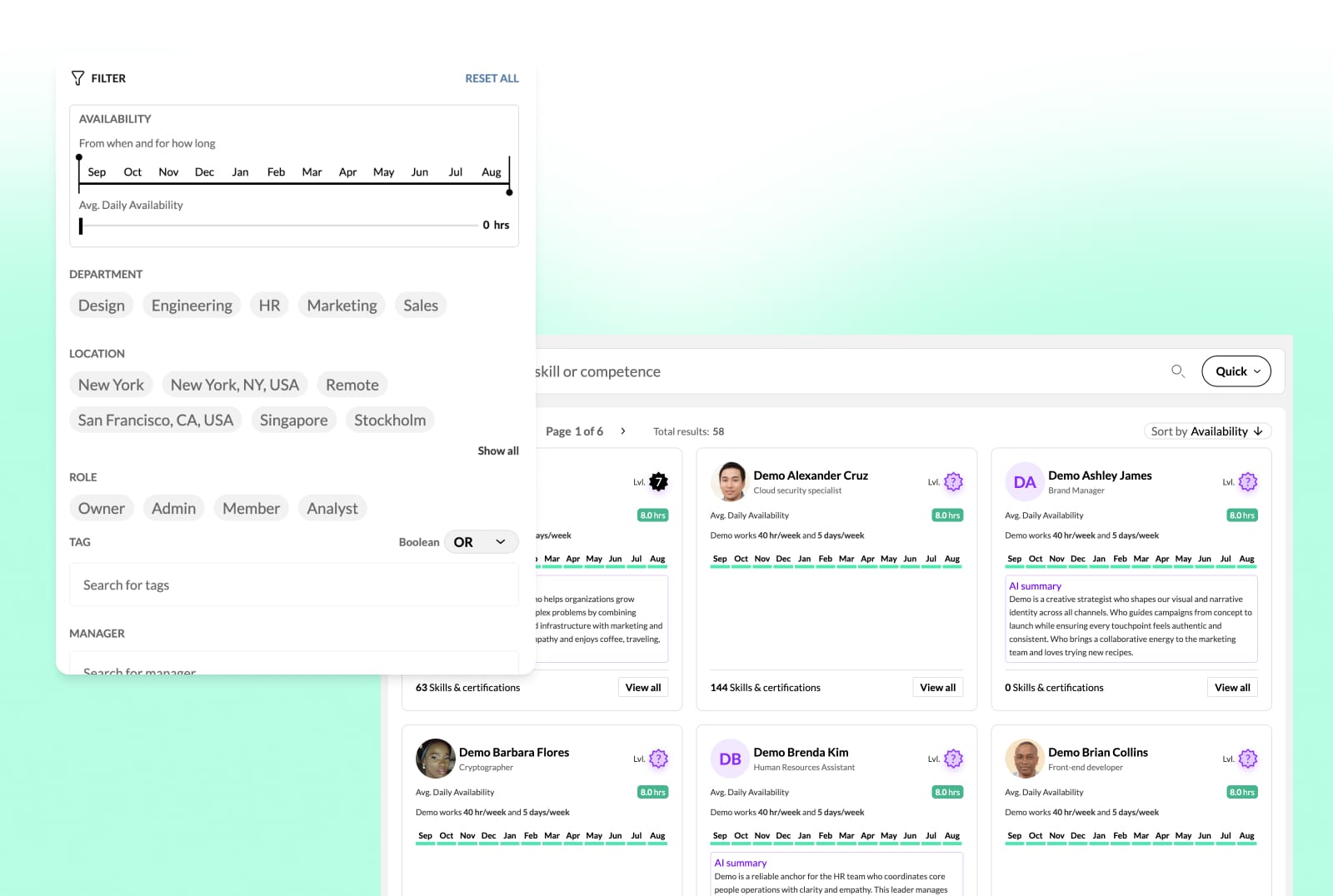 VideoFind people fast with DiscoverFind the right people with Discover: Quick or Smart (AI) search by skill or certificate, and filters for availability, location, projects and more.
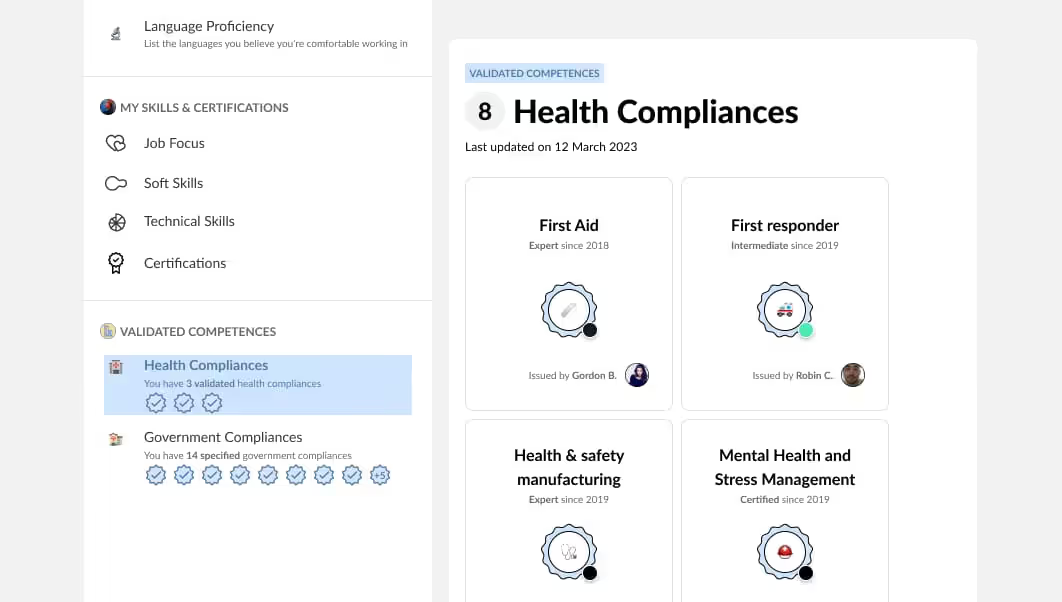 VideoValidate skills and give badgesValidate your team's skills and certificates and give badges in My Circle. How validation works, what your team member sees and how to keep it fair.
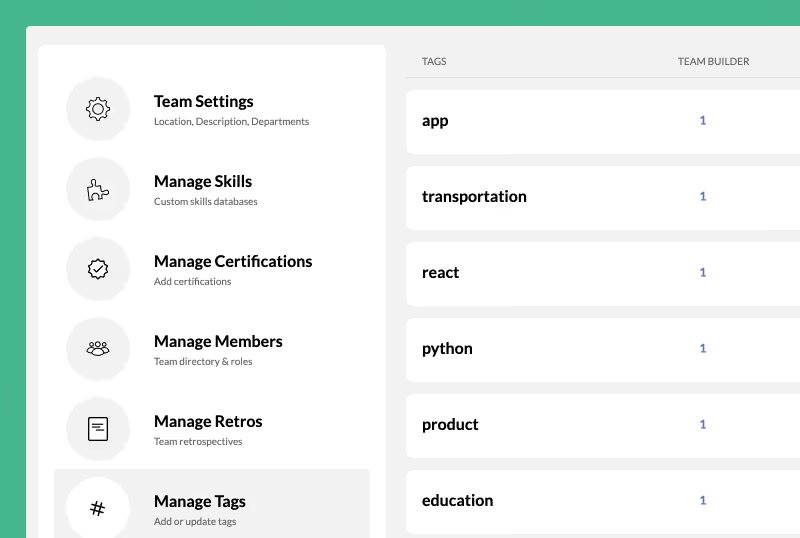 VideoGroup and filter people with tagsCreate tags in Manage Tags, add them to people, lists and teams, sync them from your HR system and use them to filter Members, Analysis, Reports and more.
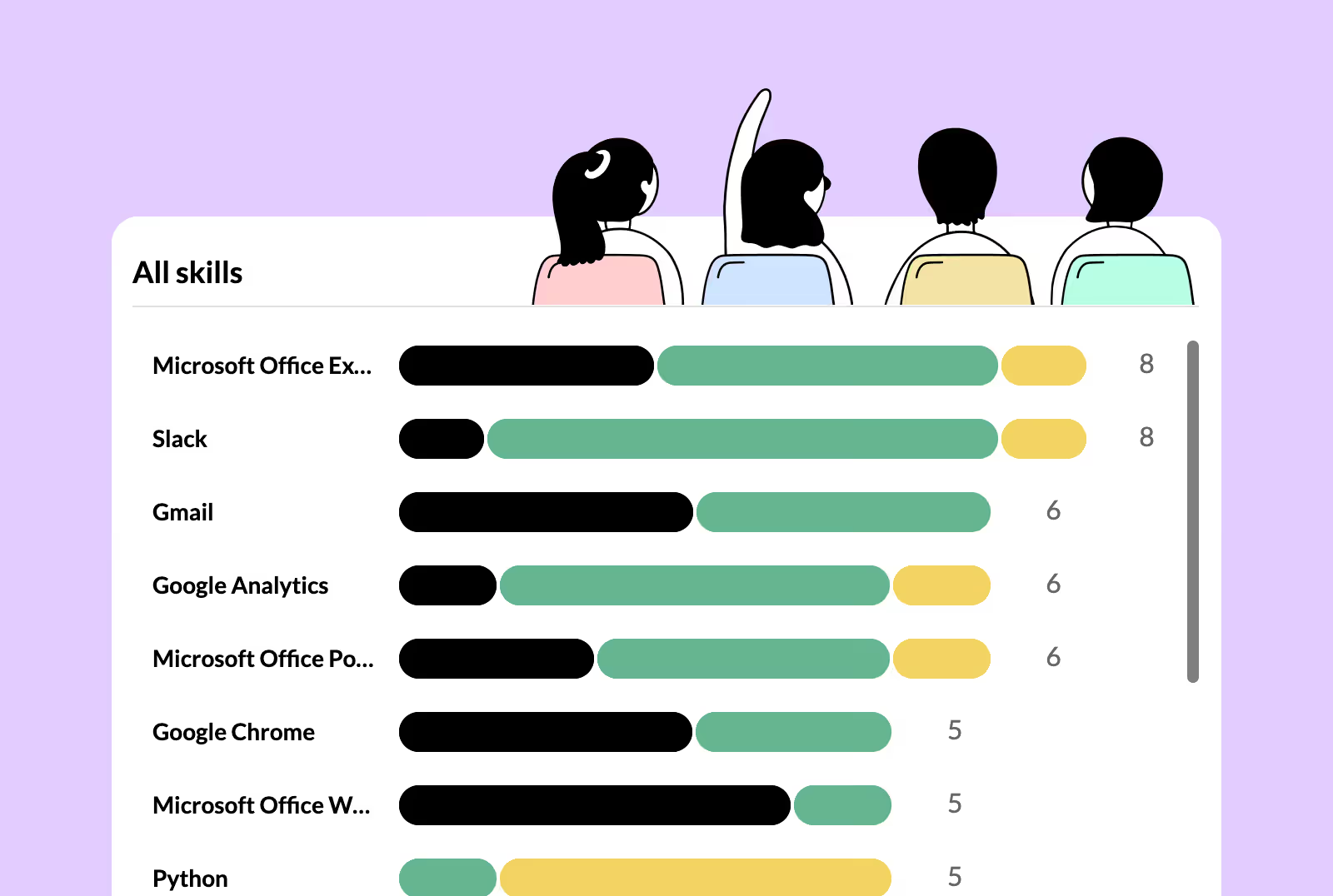 VideoUse reports to track skills dataA tour of every report in MuchSkills Team/Org › Reports: skills, badges, demand, certifications, goals, utilisation, courses and the dashboard.
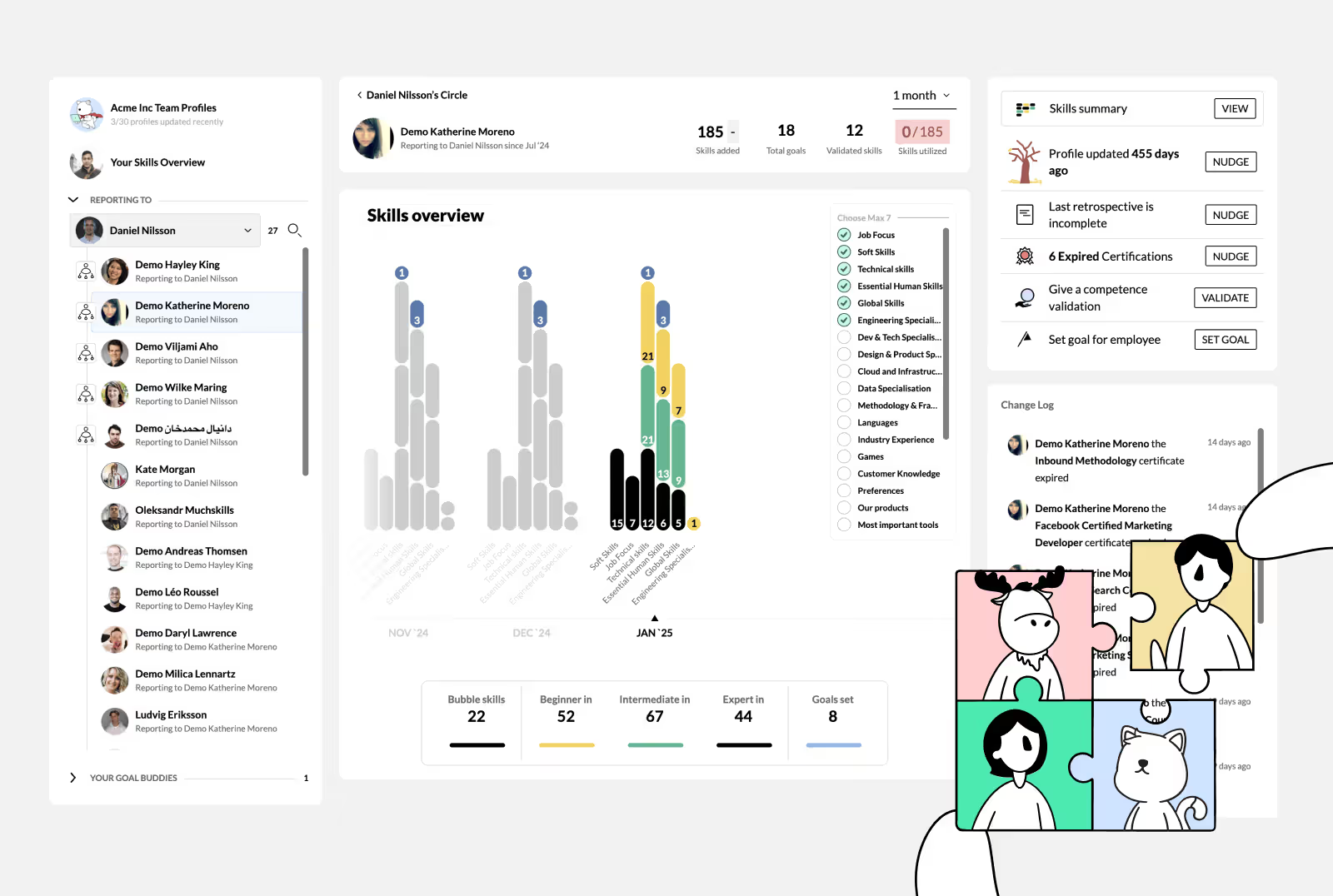 VideoUse My Circle to coach your teamMy Circle shows your team at a glance: profile freshness, skills, goals, certificates and absence. Open a person to nudge, validate and set goals.
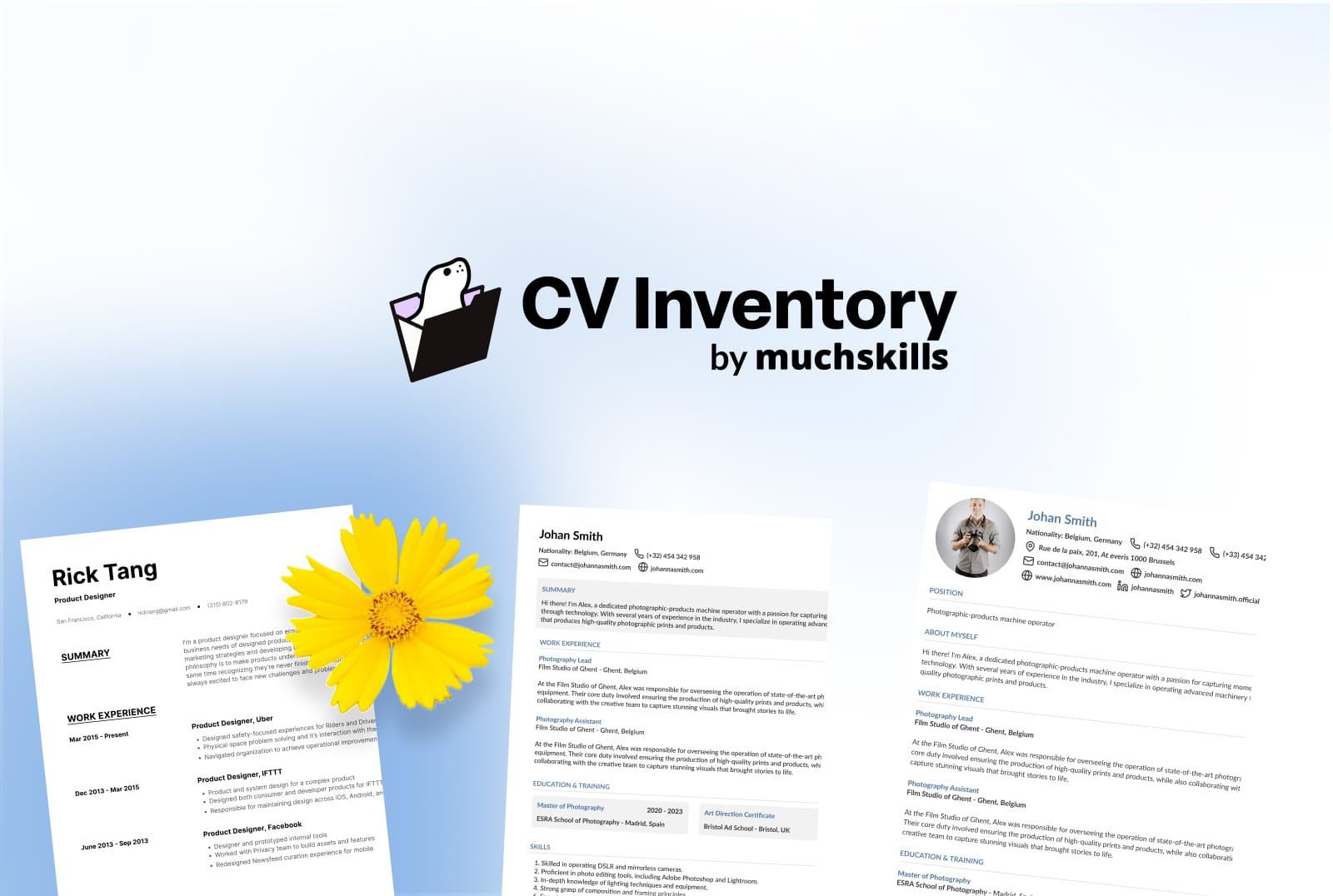 VideoCreate client-ready CVs with CV InventoryCreate tailored, client-ready CVs for proposals and tenders with CV Inventory: connect MuchSkills, find the right person, direct the AI section by section.
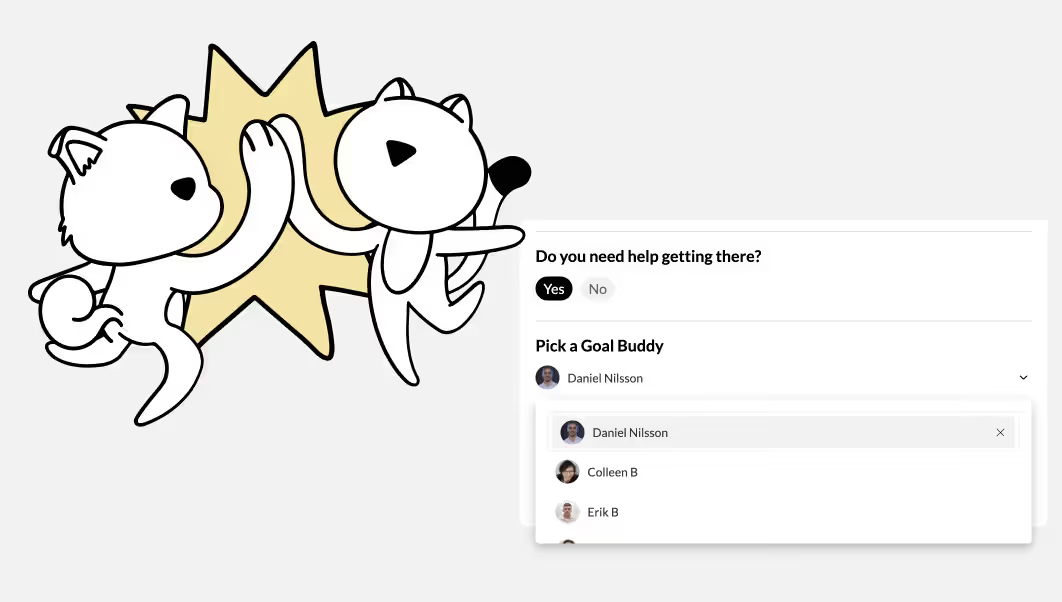 VideoBe a goal buddyWhat a goal buddy does in MuchSkills, where to find the colleagues who picked you in My Circle, and how to follow and cheer on their goals.
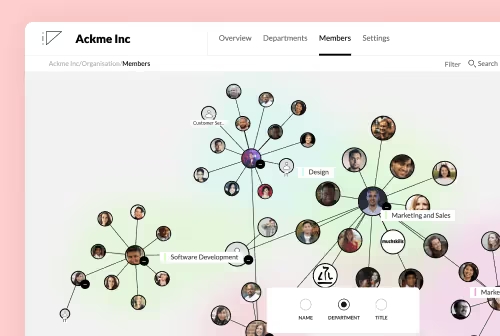 VideoSet up the org chartThe MuchSkills org chart is built from each person's manager and department. Set reporting lines by HR sync or by hand, check them and view the chart.
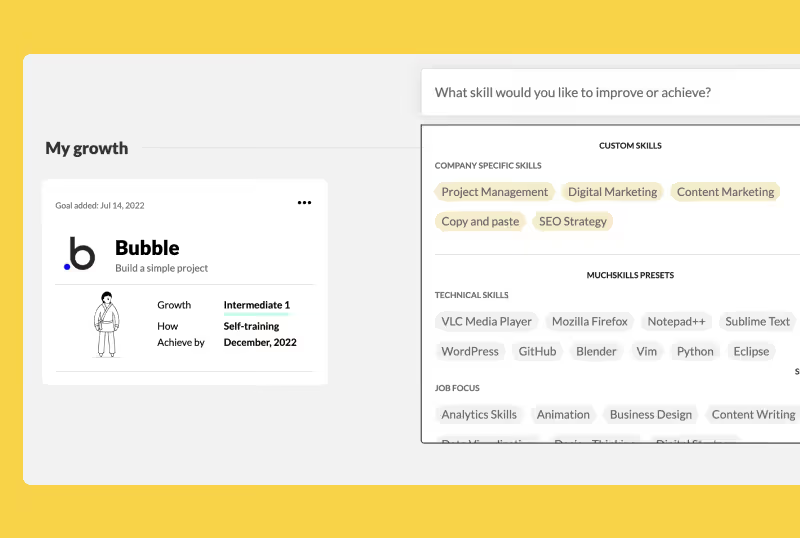 VideoSet a development goalSet a goal in My Growth › Goals: choose a skill or certificate, your target level, how you will get there, a goal buddy and when to start and achieve it.
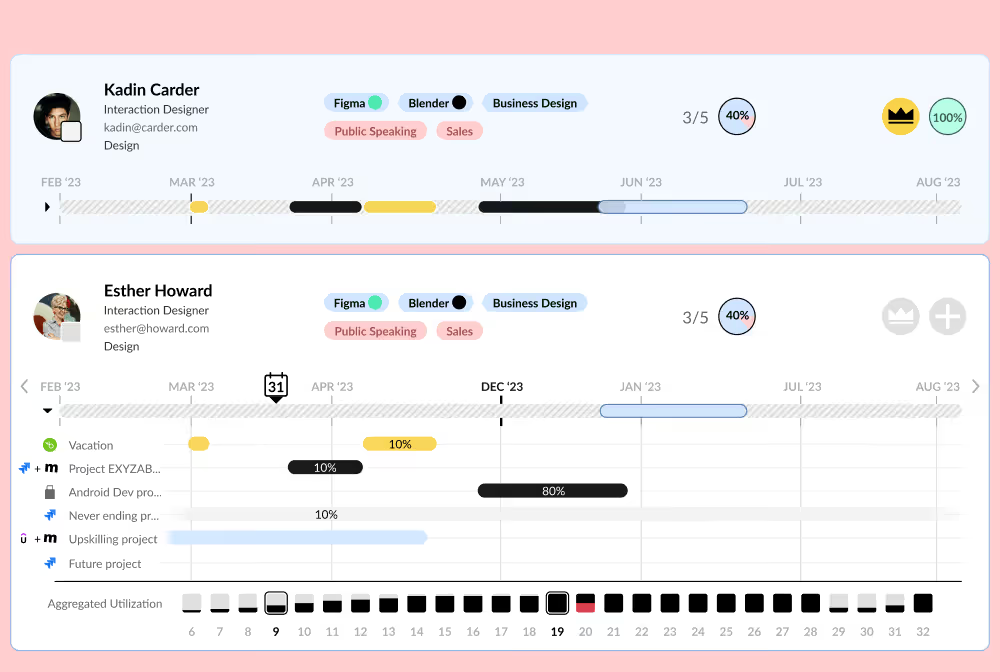 VideoPlan with utilisation and availabilityWhere utilisation and availability in MuchSkills come from: working weeks, Team Builder, Jira and Tempo, Business Central or your own tool, and HR absence.
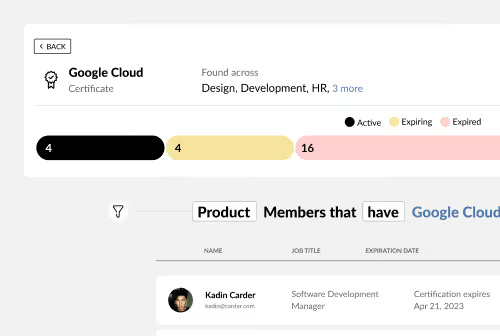 VideoManage and track certificationsCollect certificates from employees, managers, Credly and the API, organise them in certification lists, make them required for roles and track expiry.
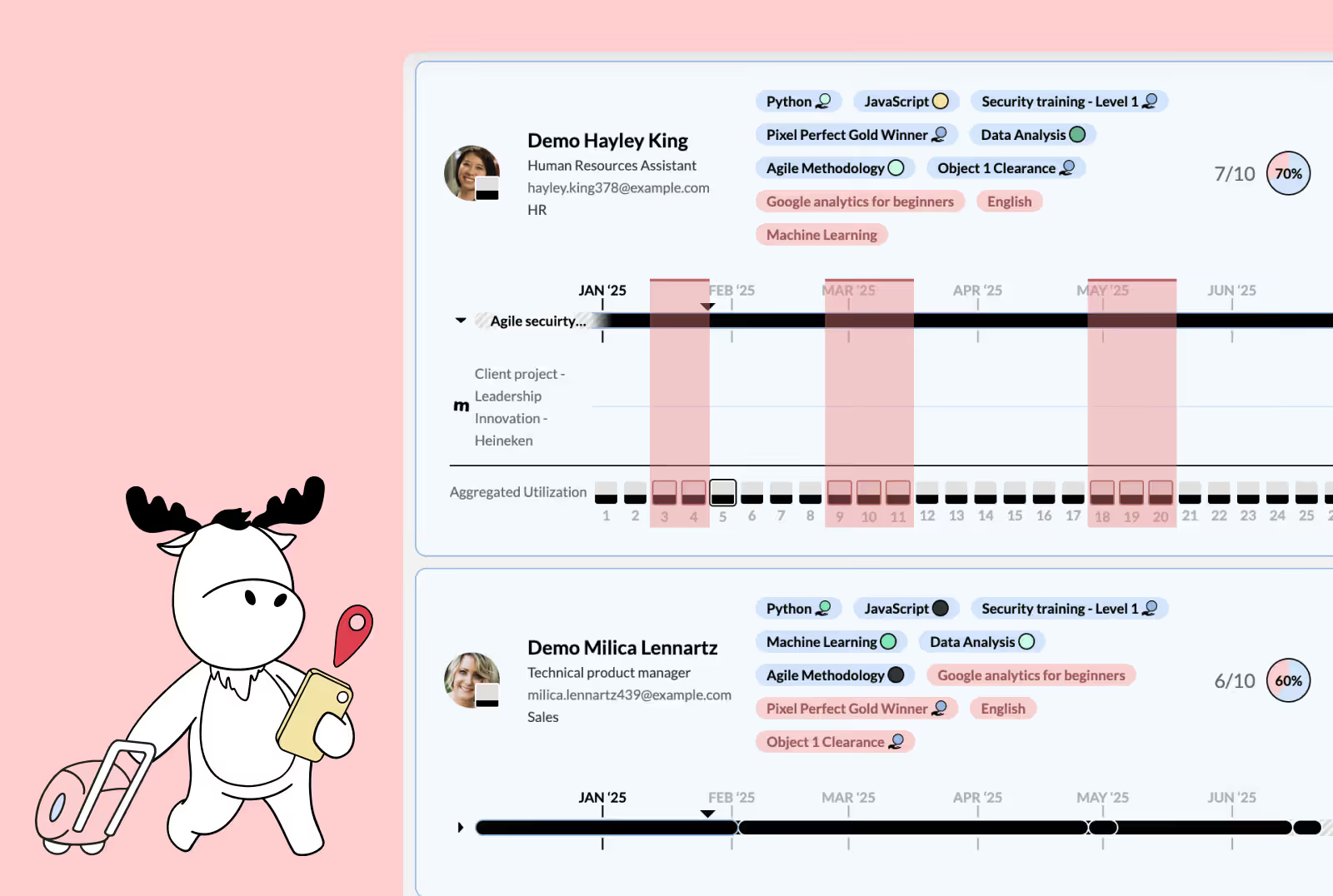 VideoPlan around absence and holidaysSee who is away in My Circle, Team Builder and utilisation reports, and add absence for your team: from your HR system or added by a manager or admin.
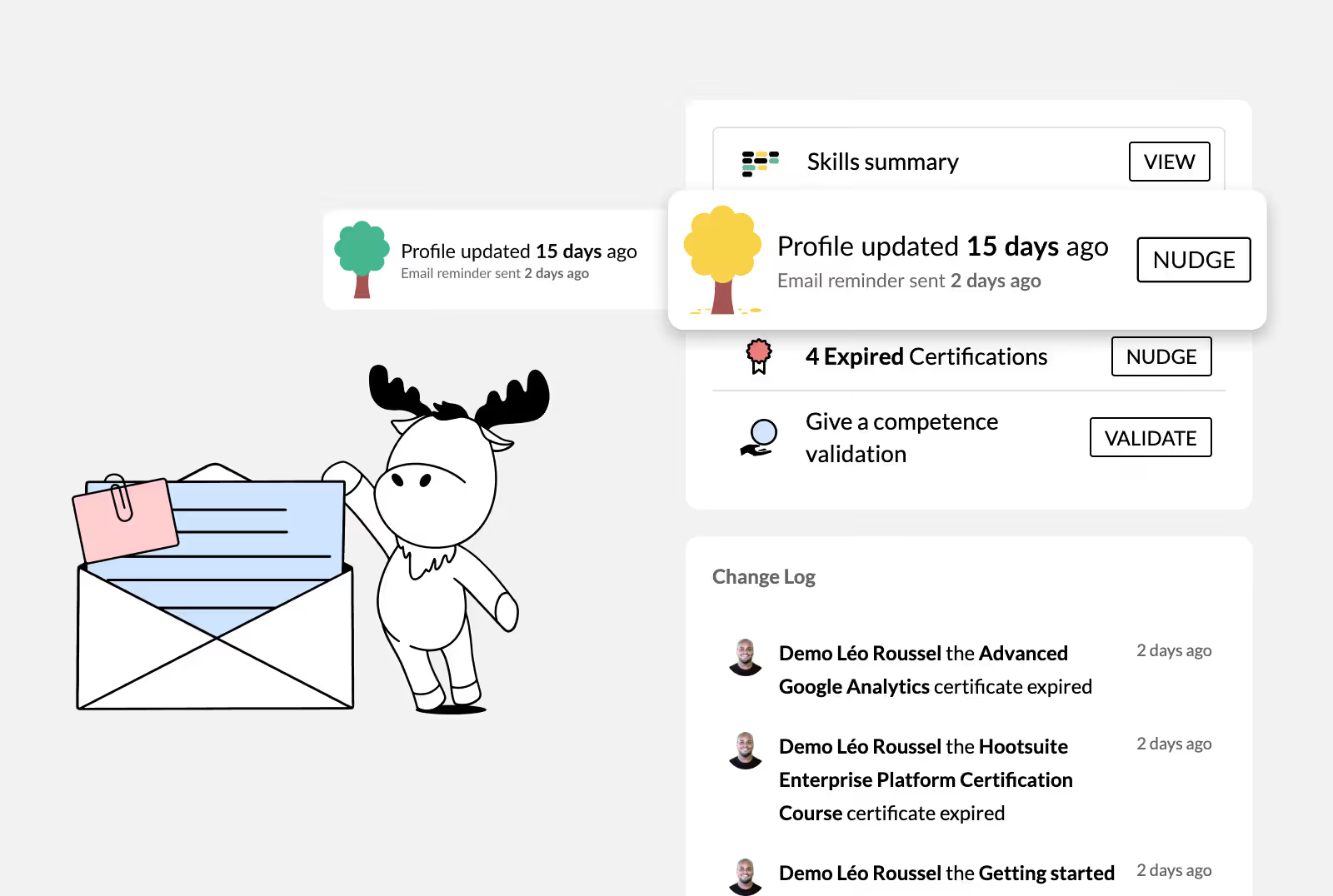 VideoKeep your team's profiles up to dateSpot profiles that are getting dry in My Circle, remind one person or a whole group, and build habits that keep your team's skills data current.
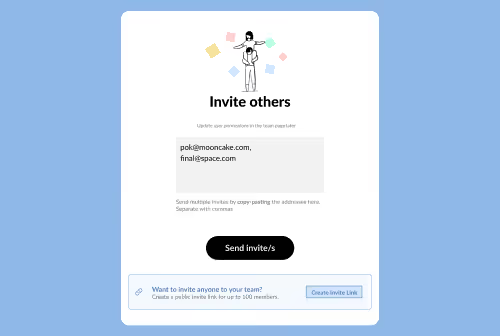 VideoInvite people to MuchSkillsInvite people by email, with an invite link, from a CSV file or through an HR sync. Set roles, follow pending invites and know what happens to leavers.
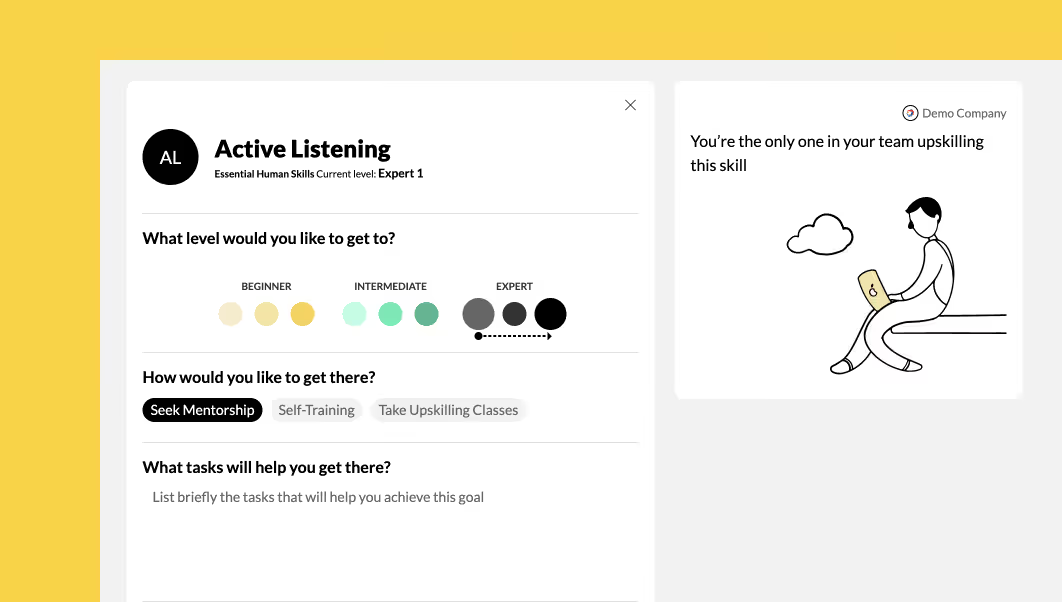 VideoHold great one-to-onesPrepare and run skills-based one-to-ones with My Circle: what to review before, what to cover in the meeting and what to update afterwards.
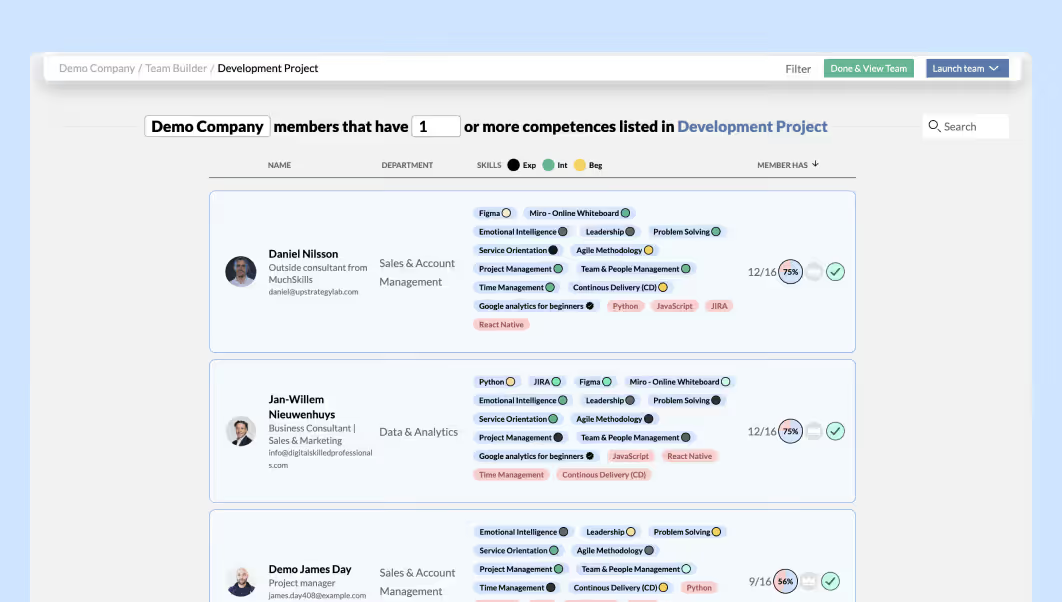 VideoFind internal candidates for a roleFind internal candidates in MuchSkills: describe the role as a list in Analysis, see how well each person matches it, then check availability in Discover.
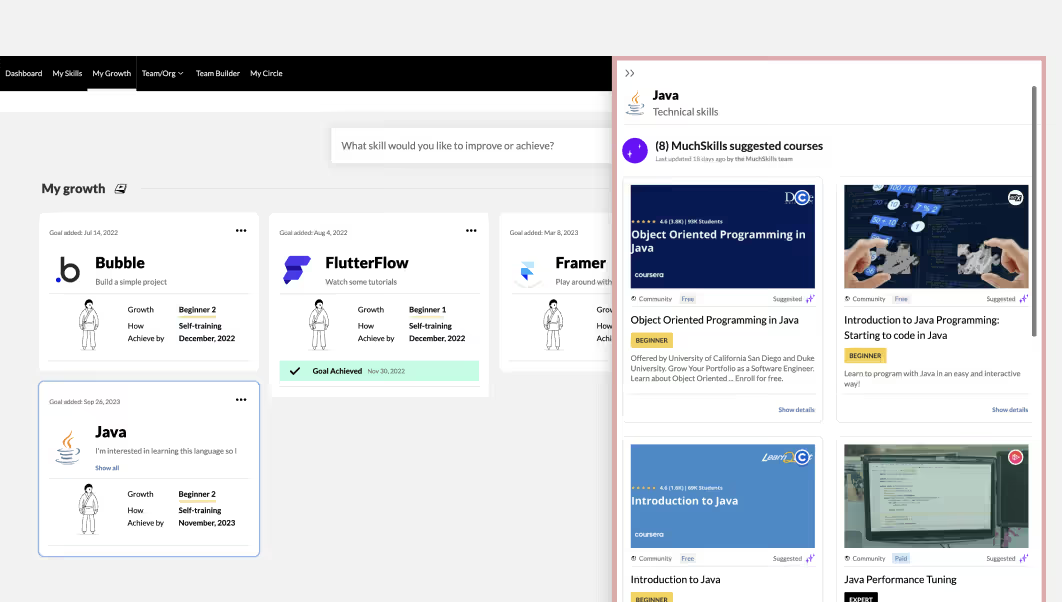 VideoFind and add learningFind courses in My Growth › Learning Library, on skill pages and next to your skill gaps, and add a course link so colleagues can find it too.
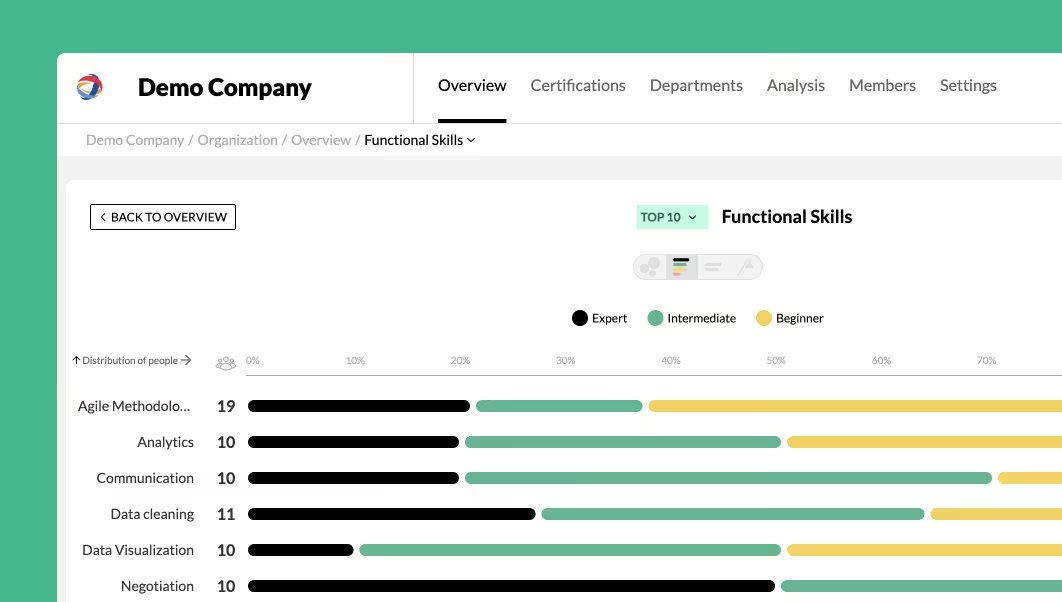 VideoPlan your workforce with skills dataStrategic workforce planning in MuchSkills: describe the capabilities you need, measure what you have, add project demand, then hire, upskill or redeploy.
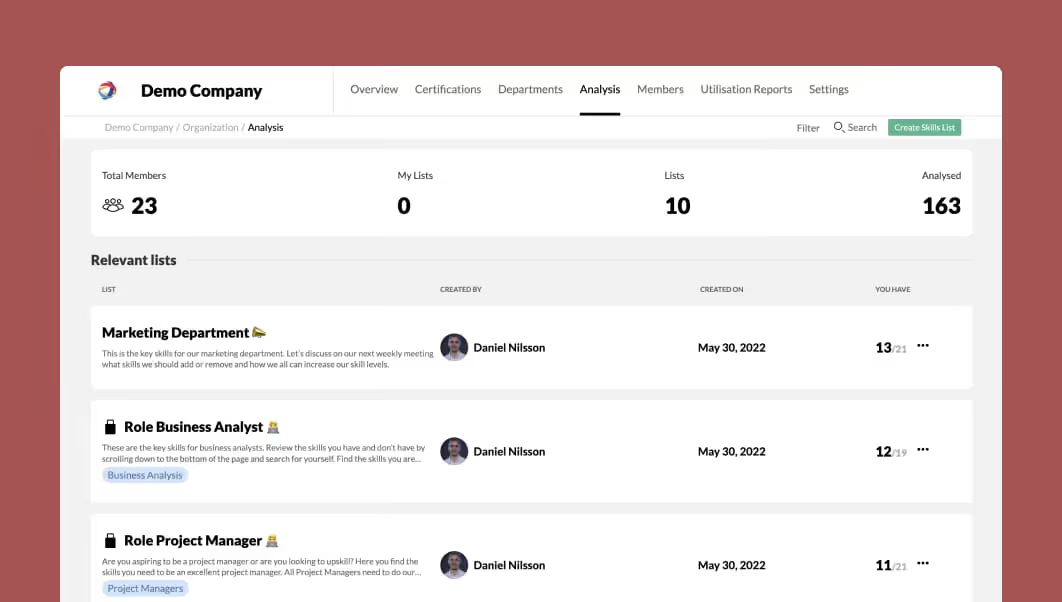 VideoDefine roles and competenciesCreate role and competence lists in Team/Org › Analysis, set the required level for each skill, mark priorities and publish them so people see their fit.
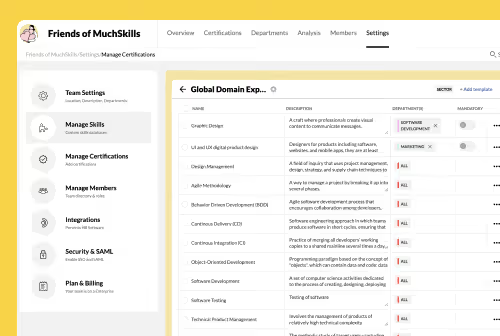 VideoCreate custom skill categoriesCreate your own skill categories in Manage Skills, add skills with descriptions by hand or from a CSV file, and choose which departments see each skill.
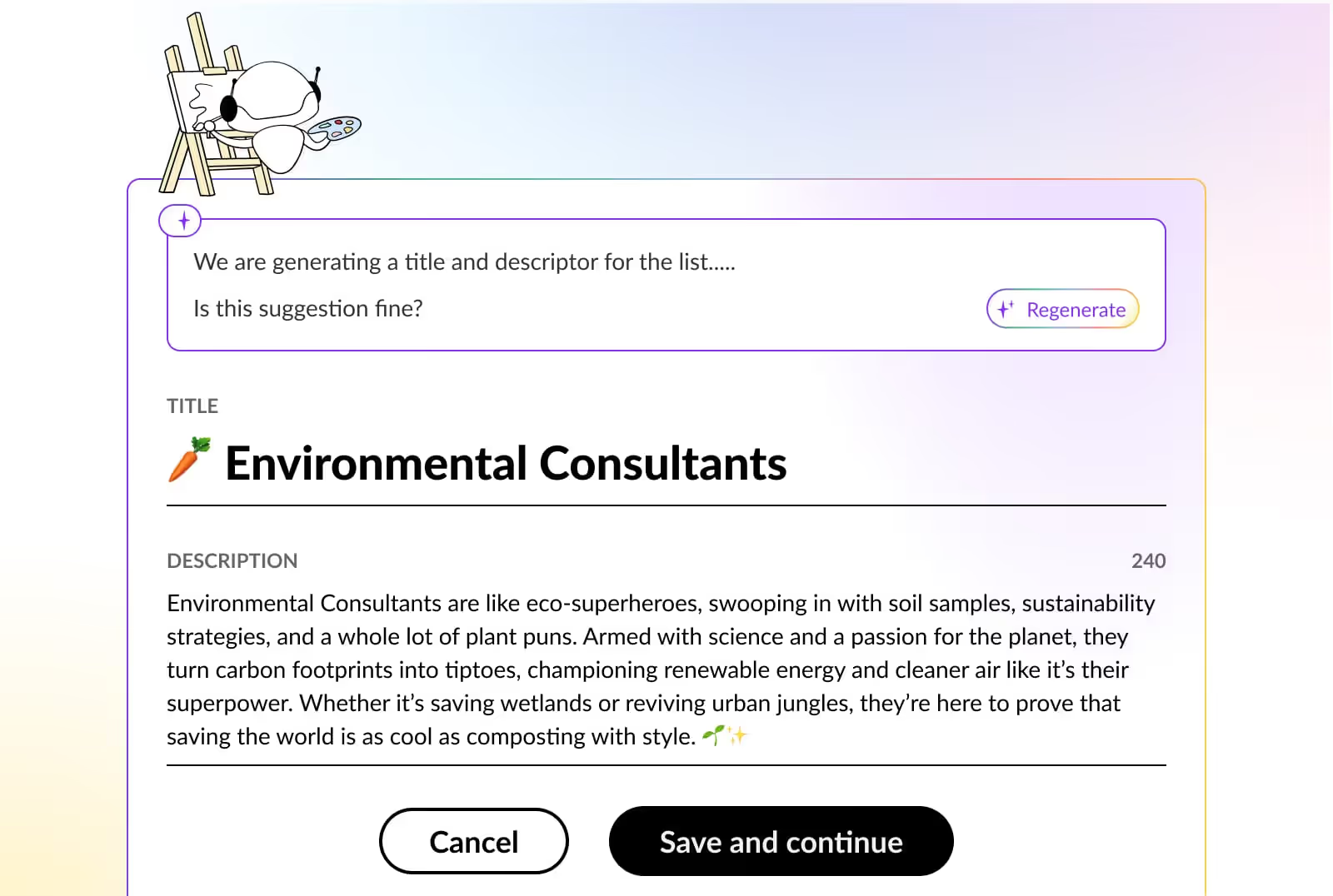 VideoBuild your skills taxonomyPlan your skills taxonomy role by role, group the skills into categories and load them into MuchSkills. What is built in and what to add yourself.